


AI-native engineering can help your team ship features faster, explore unfamiliar codebases and write tests in minutes. But speed only counts if the software is secure, maintainable and legally yours.
Most technology leaders now face the same question. How do you use AI to build faster without exposing source code, muddying ownership or letting quality slip?
The answer isn’t to avoid AI. It’s to adopt AI-native engineering with the right controls in place. This guide covers the six controls that matter and a simple framework to put them into practice.
Table of Contents
What Is AI-Native Engineering?
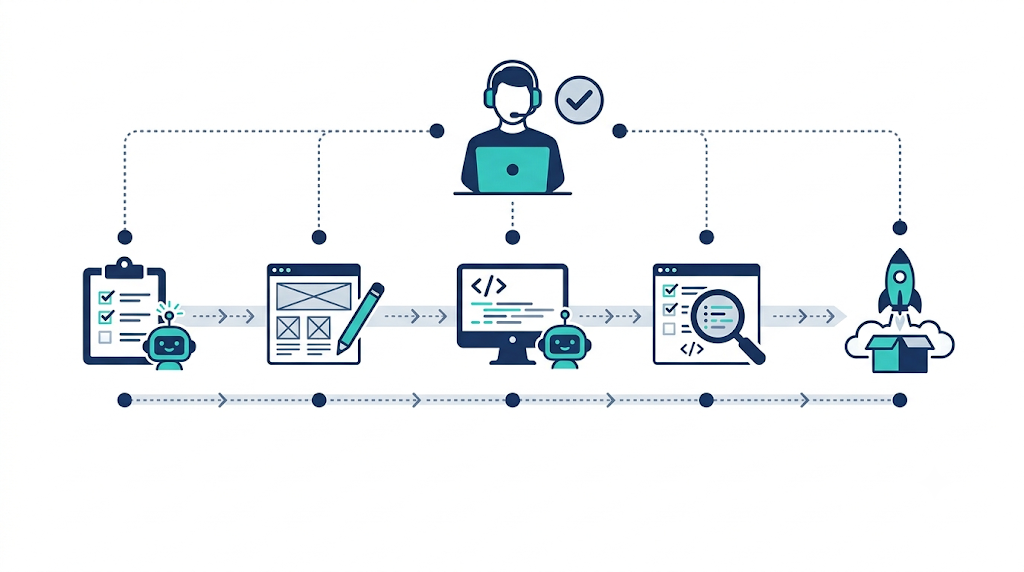
AI-native engineering is a way of building software where AI assists across the whole lifecycle. That includes generating code, investigating defects, writing tests and exploring legacy systems. Engineers stay accountable for every decision.
The distinction matters. AI-native engineering is not “let the model write it and ship it.” It pairs AI speed with experienced engineering judgement and disciplined quality practices. If you’re new to this model, our product engineering services show how we combine the two.
1. Protect Source Code and Sensitive Information
AI development tools differ in how they process prompts, retain data and use submitted content. Before engineers use any tool on a client codebase, settle these points:
- Which tools and account types are approved
- Whether prompts may be retained or used for model improvement
- Which data classifications can be submitted
- How access is authenticated and controlled
- Whether contracts or regulations add further restrictions
Credentials, production secrets, customer data and confidential information must never go into an unapproved tool. Reduce exposure further with enterprise-grade accounts, secret scanning, access restrictions and approved environments.
The OWASP Top 10 for LLM Applications is a useful reference for risks such as sensitive information disclosure and insecure output handling.
2. Treat AI-Generated Code as Code That Needs Review
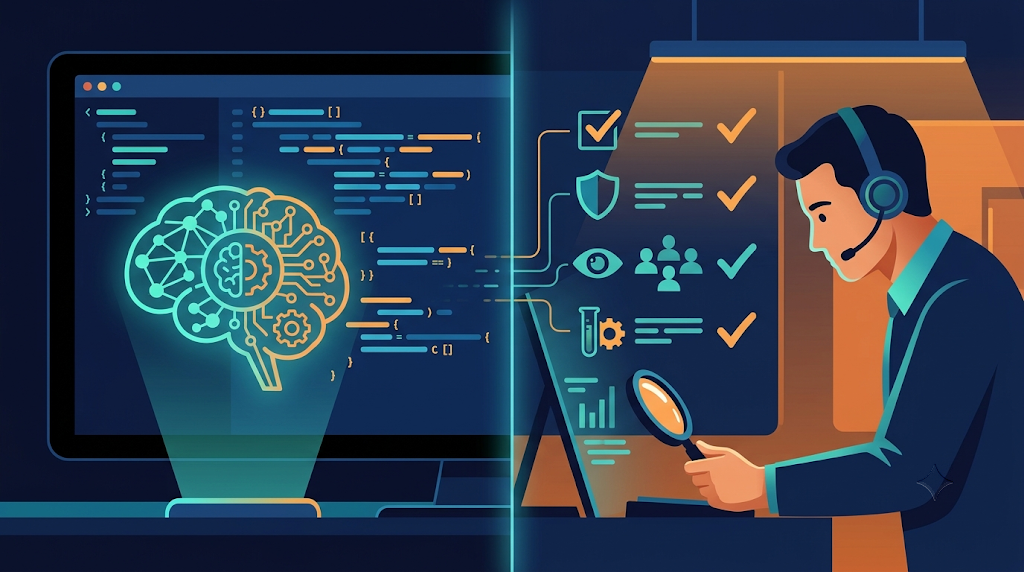
AI-generated code can be incorrect, incomplete, insecure or out of step with your architecture. It can also hide edge-case failures that a quick read won’t catch.
Build review into the process:
- Peer review and appropriate human approval
- Automated unit and integration tests
- Static analysis and dependency vulnerability scanning
- Checks on authentication, authorisation and input handling
- Review of error handling, logging and sensitive-data exposure
- Regression testing before every release
Keep the controls proportional to the risk. A prototype and a payment-processing module don’t deserve the same scrutiny. As a rule: AI can help produce and analyse code, but it never removes the need to validate it.
3. Establish Intellectual Property Clarity
Technology businesses need to know who owns the software produced during an engagement and which third-party rights apply. AI-related IP questions can vary by jurisdiction, tool terms, source material and how the code was created.
Put clear contractual terms in place for:
- Ownership or assignment of project deliverables
- Pre-existing IP and reusable components
- Third-party libraries and open-source software
- Restrictions on uploading client materials to AI tools
- Handling of confidential and client-specific code
- Records needed for audits and due diligence
Don’t assume AI-generated output is automatically free of restrictions. Using an AI tool also doesn’t change your existing contractual obligations. For products with significant commercial, regulatory or licensing exposure, get legal review.
4. Keep Architecture and Maintainability in View
AI can produce a plausible implementation in seconds. That implementation may still clash with your established patterns or add needless complexity.
So ask more than “does it work?” Ask:
- Does it fit the system’s design?
- Is its behaviour testable?
- Are the dependencies appropriate?
- Can a future engineer understand and maintain it?
Code quality is more than the absence of bugs. It’s the ability to evolve the software safely as requirements change. Teams that scale well pair AI-native engineering with strong software architecture and engineering practices.
5. Build Traceability into the Workflow
A mature process lets you answer three questions: what changed, why it changed, and how it was validated.
Practical building blocks include:
- Version-controlled changes
- Documented acceptance criteria
- Pull-request reviews
- Automated test results
- Dependency records
- Deployment approvals
For higher-risk changes, you may also need records of AI tool usage or extra verification steps, depending on your policy and regulations. Traceability speeds up incident investigation and proves that the right controls were followed.
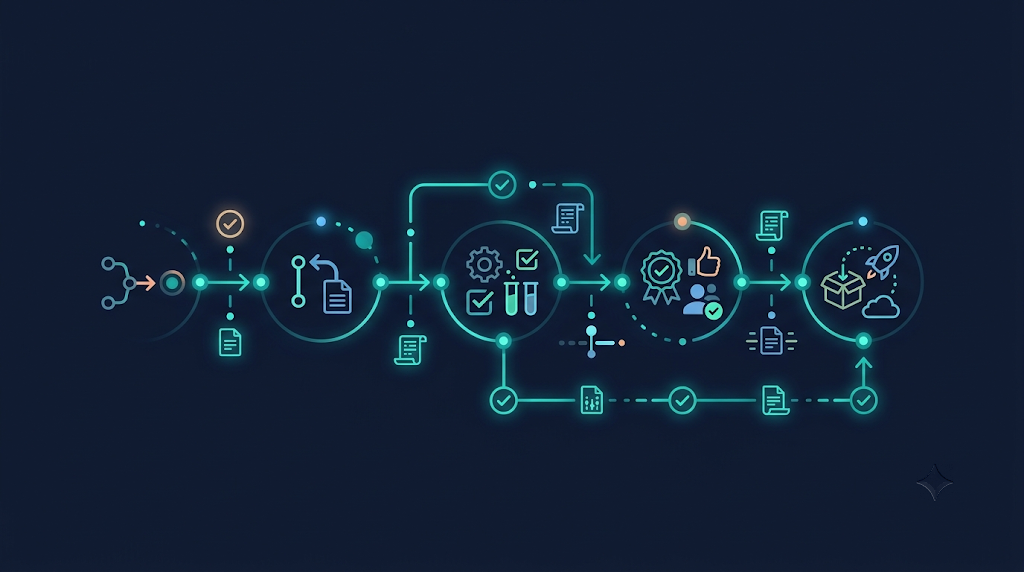
6. Make Security Part of Delivery, Not a Final Checkpoint
Security reviews work best when they run through the whole lifecycle, not as a gate at the end.
- Requirements: identify security obligations early
- Architecture: map trust boundaries and data flows
- Implementation: follow secure coding practices
- Testing: validate that the expected controls work
- Deployment: follow approved release procedures
AI can support many of these steps, but its recommendations still need evaluation using sound engineering and security practice. The NIST Secure Software Development Framework (SSDF) and the OWASP Top 10 are solid baselines. For governing AI-specific risk, see the NIST AI Risk Management Framework.
A Practical AI-Native Engineering Control Framework
If you need a starting point, organise your controls into five areas:
| Control area | What it covers |
|---|---|
| Governance | Approved tools, usage policies, data classifications, clear responsibilities |
| Development | Secure coding standards, architecture guidelines, controlled source-code access |
| Verification | Automated tests, peer review, security scanning, risk-based validation |
| Intellectual property | Clear contracts, dependency governance, careful handling of confidential material |
| Production | Release approvals, monitoring, rollback procedures, incident response |
Adapt these to your product, sector and risk profile. A one-size-fits-all checklist rarely works.

Trust Is Part of Engineering Performance
A product delivered fast but burdened with avoidable security, ownership or maintenance risk is not a success. AI-native engineering should improve execution while keeping the controls that make software dependable.
At EOV Digital, we believe AI-enabled delivery needs experienced engineering judgement, disciplined quality practices and clear responsibilities. As a product co-development partner, we help technology businesses move from roadmap to production without treating security and maintainability as afterthoughts.
The goal isn’t to choose between AI speed and engineering discipline. It’s to build a delivery model that takes both seriously.
Ready to build AI-native engineering workflows suited to your product and risk profile? Talk to EOV Digital and let’s map your roadmap to production.
Frequently Asked Questions
What is AI-native engineering?
It’s a software delivery approach where AI assists with coding, testing, debugging and system exploration, while human engineers keep accountability, review and approval.
Is AI-generated code safe to use in production?
Only after it passes the same controls as any other code: peer review, automated testing, static analysis, dependency scanning and regression testing. Scale the scrutiny to the risk.
Who owns code written with AI tools?
It depends on jurisdiction, the tool’s terms and your contracts. Set ownership, pre-existing IP and open-source terms explicitly in writing, and seek legal review for high-exposure products.
Can engineers paste client code into any AI tool?
No. Use only approved tools and account types, and never submit secrets, customer data or confidential information to an unapproved tool.
What is the first step to adopt AI-native engineering safely?
Start with governance: define approved tools, data classifications and responsibilities. Then add verification, IP and production controls.
Leave a Reply